Experiencing CCTV camera flickering problems in your surveillance system? This common issue disrupts video clarity and compromises security monitoring. If you notice blurred lines, rolling noise, or a brief loss of video, you must know the root cause. This will help ensure that your security system is reliable. The CCTV camera may flicker due to power supply problems, electrical interference, loose cables, or faulty hardware. In this complete guide, we explain why flickering happens, the best fixes, and simple upkeep steps. These steps will stop the flickering of your camera and provide clear security footage for your home or office.
What is CCTV Camera Flickering?
Understanding Screen Flickering and Video Disturbances
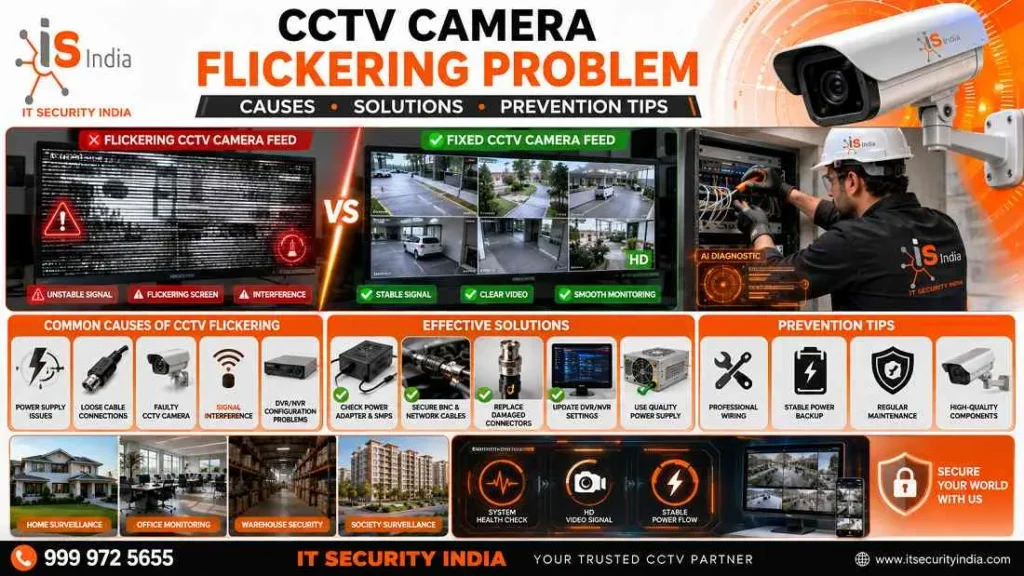
Camera flickering on the CCTV shows apparent problems with your video feed. They can be caused by moving bands, flickering lines, and unstable pictures that decrease the quality of the video. These problems show up as vertical or horizontal lines that move over the video screen. This makes it difficult to discern the key elements when watching surveillance video.
How Flickering Affects Surveillance Quality
When your CCTV cameras flicker, poor video quality can reduce your security system’s effectiveness. Flickering disrupts your surveillance system’s performance. It creates critical gaps in security monitoring. This instability makes it challenging to capture clear evidence and monitor activities reliably.
Common Causes of CCTV Camera Flickering
Power Supply and Voltage Fluctuation Issues
Loss of power or a weak power supply is the main cause of CCTV camera flickering. Different cameras need different voltages. Using a power supply that is too small can cause low power delivery. The issue is worse at night when infrared LEDs turn on and use much more power. Additionally, a mismatch between your grid frequency and camera settings can cause visible flicker. Most countries use 50 Hz. North America uses 60 Hz.
Loose Cable Connections and Signal Loss
Cable connections that are damaged or loose can be another cause of flickering issues. Connectors that are damaged, exposed wires, or damaged cables can’t transmit signals properly. This could cause video disruptions. The long cable runs that are not properly shielded or grounded can cause this issue to get worse. This is typical for outdoor installations that are subject to harsh weather.
CCTV Camera Flickering Due to Hardware Problems
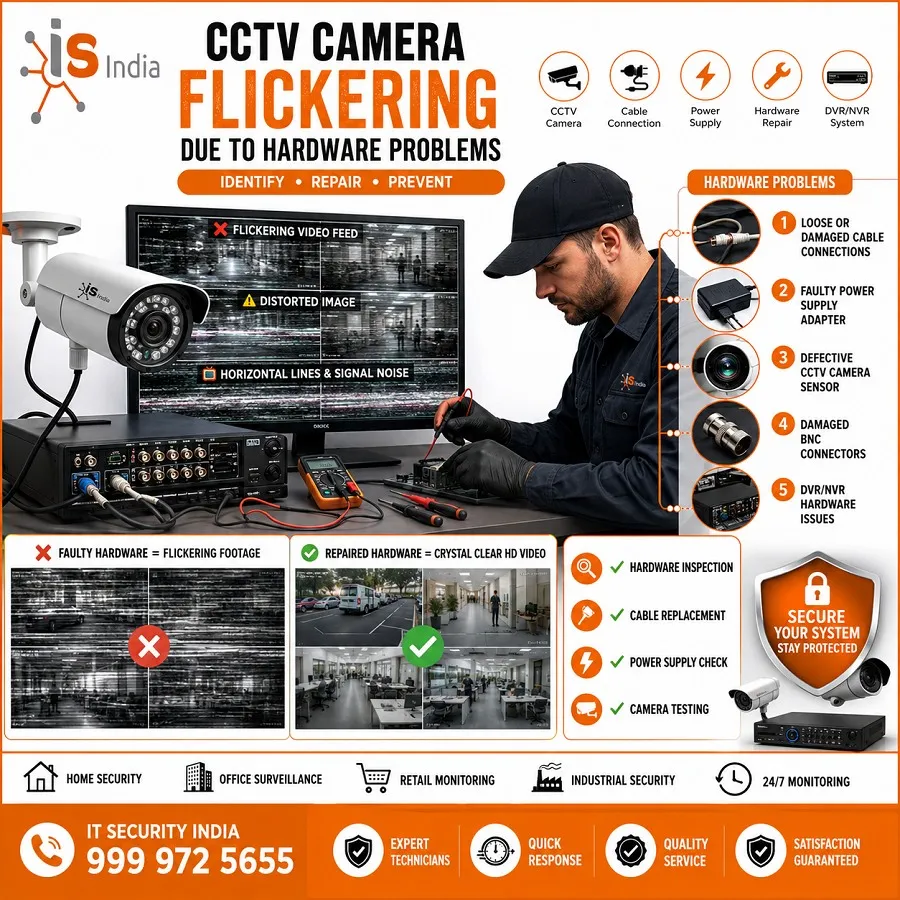
Faulty Camera Sensors or IR LEDs
Infrared LED lights require substantial power when activated at night. If your camera’s IR LED is faulty, flickering will happen after dark. It can also occur if the power supply cannot provide enough current.
Both the camera sensor and IR light need steady power. Testing if IR LEDs work is essential. Cover the camera lens and check if the red indicator lights turn on.
DVR, NVR and Adapter-Related Issues
Your NVR or DVR recorder settings directly impact the camera’s performance. Incorrect anti-flicker frequency settings can cause flickering.
Incompatible recording and camera pairings can also cause flickering.
Defective power adapters may also cause flickering. There are many systems with anti-flicker settings that can be turned either on or off. This will solve compatibility problems between different devices.
Environmental Factors That Cause Flickering
Electromagnetic Interference (EMI)
Electromagnetic interference from nearby appliances, light bulbs, wireless routers, Bluetooth devices, and power lines can disrupt CCTV signals.
EMI can affect camera electronics and cables.
It can cause noise and weaken signals.
Poor cable routing near power lines can increase interference.
Weak cable shielding can also increase these disturbances.
Weather Conditions and Outdoor Installation Challenges
Outdoor cameras face harsh conditions. Moisture can get into connectors. Temperature changes can affect power delivery. Street lights can cause interference. LED streetlights with PWM dimming, or a bad camera angle near oncoming headlights, can cause flicker at night.
How to Fix CCTV Camera Flickering Problems
Checking Power Supply and Wiring Connections
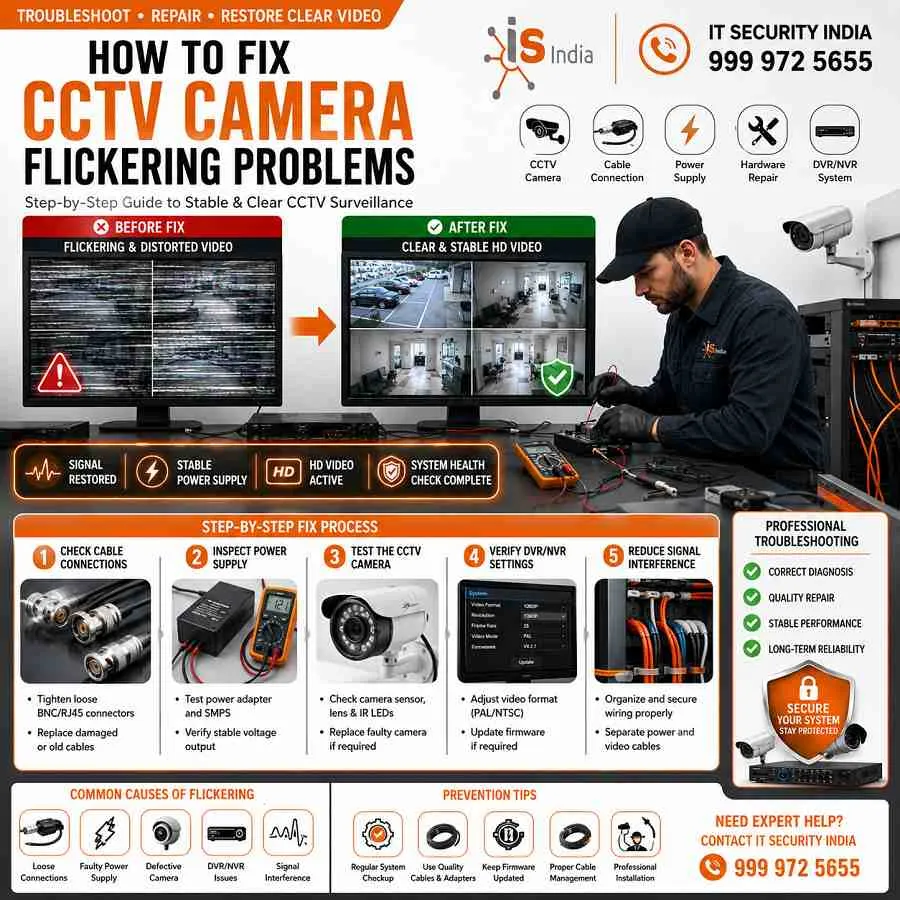
Begin troubleshooting by verifying that your power supply matches the camera specifications. Test the camera with a different power source to isolate power-related issues. Inspect all cables for damage. Make sure connections are tight and secure. Replace corroded or worn connectors with quality alternatives.
Updating Camera and DVR/NVR Settings
Regularly update your camera firmware and DVR/NVR software to avoid compatibility issues. Adjust camera settings, like shutter speed and frame rate, to match your local power grid frequency. Enable anti-flicker features in your recorder settings if available.
Preventive Maintenance Tips
Regular Inspection of Cables and Connectors
Conduct quarterly inspections of all CCTV cables and connections. Replace damaged or old cables right away. Ensure proper grounding. Use quality shielded cables to reduce EMI risk.
Using Quality Power Supplies and Surge Protectors
Invest in voltage-appropriate, regulated power supplies for each camera. Install surge protectors to guard against power surges. These surges can disrupt camera function and cause flickering.
When to Call a Professional CCTV Technician
Signs of Serious Hardware Failure
If flickering continues after troubleshooting, or cameras lose video, the hardware may have failed. A professional may need to replace it.
Benefits of Expert CCTV Troubleshooting
Professional technicians find tough interference problems, run EMI surveys, and use special solutions that DIY methods cannot.
Conclusion
Ensure Clear and Reliable Surveillance with Proper CCTV Maintenance
CCTV camera flickering is frustrating, but you can often prevent it. Use proper maintenance, quality equipment, and correct installation. Regular inspections, timely software updates, and quality power supplies with surge protection keep your surveillance system reliable.
Don’t let flickering compromise your security. Contact IT Security India today for professional CCTV solutions and expert troubleshooting assistance.
📞 Call IT Security India: 999 972 5655
Experience best-price CCTV camera systems with professional installation and ongoing support. Enjoy crystal-clear surveillance footage. Trust IT Security India for all your security camera needs!
FAQs – CCTV Camera Flickering Problem
Why is my CCTV camera flickering at night?
Flickering at night is often caused by IR LEDs using extra power.
A weak or undersized power supply can also cause it.
Incorrect anti-flicker settings can cause it too. Check power capacity and IR function first.
Can a loose cable cause flickering?
Yes. Damaged or loose connectors and poor shielding can interrupt the video signal and produce flicker. Inspect and replace faulty cables and connectors.
Could DVR/NVR settings cause flicker?
Yes. A mismatch in anti-flicker frequency, frame rate, or shutter settings can cause visible flicker. Make sure the camera and recorder settings match. Set them to your local mains frequency (50/60 Hz).
Do power surges or voltage fluctuations cause flickering?
Yes. Unstable voltage or surges can cause camera flicker. Use a regulated power supply and surge protectors to keep the power stable.
Can environmental factors like streetlights or EMI cause flicker?
Yes. LED streetlights and headlights that use PWM can cause moving bands in video. EMI from nearby equipment can also cause banding. Repositioning or adding shielding can help.
How do I test whether the camera or power adapter is at fault?
Swap the camera to a known-good power source and test the adapter with another camera. If the flicker follows the adapter, replace it; if it follows the camera, the camera may be faulty.
When should I call a professional technician?
Call a pro if flickering continues after basic checks (power, cables, settings). Call a pro if you suspect hardware failure or complex EMI issues. Technicians can perform deeper diagnostics and repairs.